Deleting Role
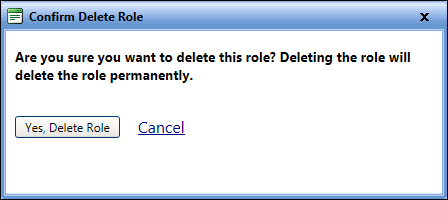
The Delete Role dialog box lets you permanently delete the role in FASTER Web.
|
Note: If there are users assigned to the role, you will not be able to delete the role. You must reassign the users to another role before you try to delete the role. |
To delete the role
- Open the Manage Roles page.
- Click the View link next to the role.
The Role page of the selected role name opens. - Click the Delete Role link.
The Confirm Delete Role dialog box opens. - Click one of the following:
- Yes, Delete Role to delete the role.
- Cancel to disregard any changes and close the dialog box.