Register an Add-on
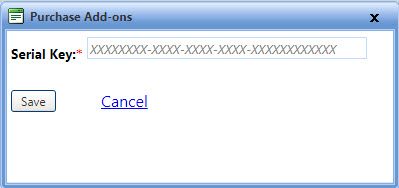
Using the Purchase Add-ons dialog box, you can register a purchased add-on by providing the serial key of that add-on.
To register an add-on
- Open the Manage Add-on page.
- Click the Enter Serial Key link.
The Purchase Add-ons dialog box opens. - In the Serial Key box, type the serial key of the add-on.
- When finished, click one of the following:
- Save to save the information and close the window.
- Cancel to disregard any changes and close the window.