Managing Add-ons
On the Manage Add-on page, you can register a FASTER Web add-on purchased by you by providing a serial key.
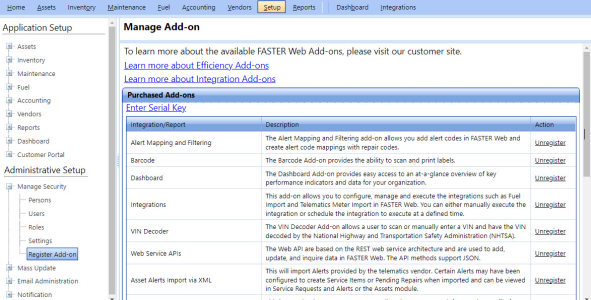
From the Manage Add-on page, you can manage the following settings:
To open the Manage Add-on page
- Click the Setup module.
- In the Administrative Setup section, do one of the following:
- Click
 next to the Manage Security option, and then click Register Add-on.
 - In the Manage Security section of Administrative Setup, click the Register Add-on link.
The Manage Add-on page opens. The Purchased Add-ons section displays the registered add-ons.