Unregister an Add-on
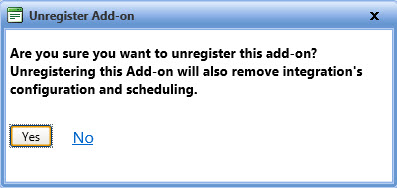
The Unregister Add-on dialog box lets you remove an existing add-on from FASTER Web. After you have unregistered an add-on, the configuration setup and scheduling of integration is also removed from FASTER Web.
To unregister an add-on
- Open the Manage Add-on page.
- Click the Unregister link next to the add-on that you want to remove.
The Unregister Add-on dialog box opens. - Click one of the following:
- Yes to remove the add-on.
- No to disregard any changes and close the dialog box.