Managing User Account
After you add a user in FASTER Web, the User Account page lets you edit the user identification and assign permissions and roles to the user account.
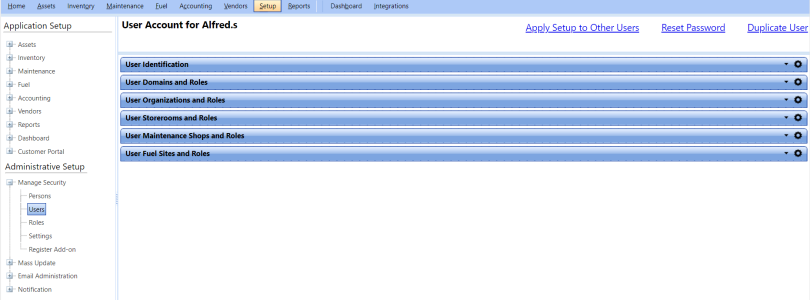
From the User Account page, you can manage the following user settings:
- User Identification
- User Permissions and Roles
- Unlock User Account
- Reset Password
- Duplicate User Account
- Apply Setup to Other Users